

When selecting an unmanaged VPS, the “specs” listed on the pricing page rarely tell the whole story. To achieve a high-performance DirectAdmin/OpenLiteSpeed environment, you must understand what is happening beneath the OS layer.
1. The “Noisy Neighbor” Effect (KVM vs. OpenVZ)
Not all VPS environments are created equal. The primary difference lies in the Hypervisor.
- Container-based Virtualization (OpenVZ/LXC): These share a single kernel across all users on the node. If one user triggers a kernel panic or consumes excessive system resources, it can impact every other VPS on that machine. This is the definition of “Noisy Neighbor” syndrome.
- Hardware-level Virtualization (KVM): KVM provides each VPS with its own dedicated kernel. This creates a hard boundary between users. When you are assigned 4GB of RAM on a KVM instance, that memory is logically isolated, ensuring that a spike in a neighbor’s traffic doesn’t crash your database.
2. The I/O Bottleneck: Why NVMe is Non-Negotiable
For WordPress sites, the bottleneck is rarely the CPU—it is almost always Disk I/O.
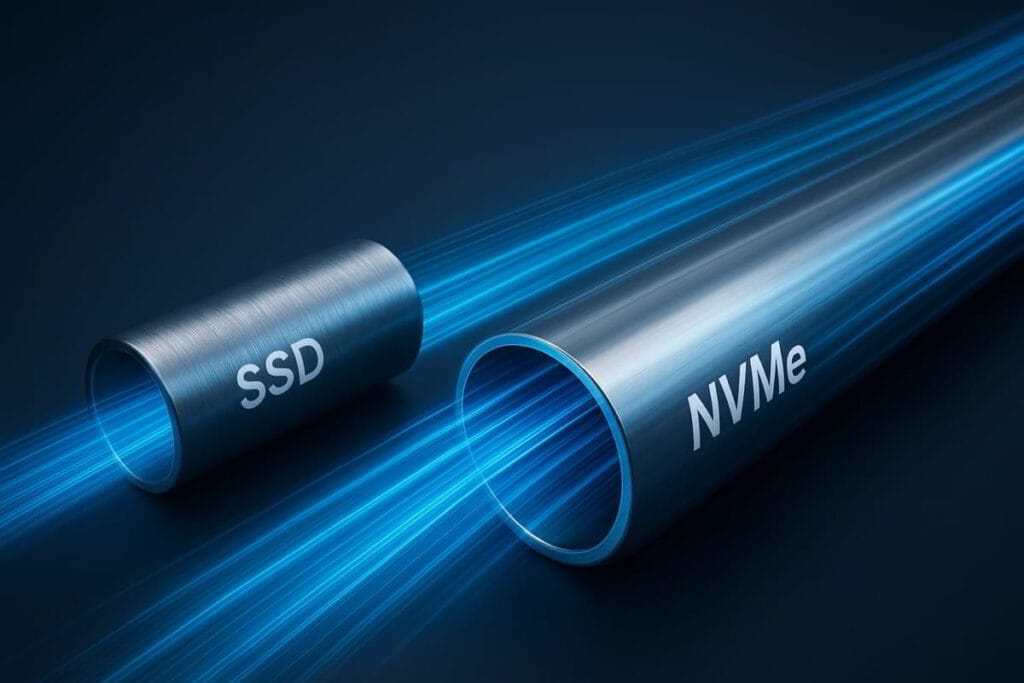
- SATA SSDs are limited by the SATA interface (max ~600MB/s). In a shared environment, this bandwidth is split, leading to high “I/O Wait” times during database queries.
- NVMe (Non-Volatile Memory Express) communicates directly via the PCIe bus, offering speeds often exceeding 3,000MB/s.
- The Impact: High IOPS directly reduces your TTFB (Time to First Byte). If your server can read the database and serve the page to the web server faster, your PageSpeed Insights score improves instantly.
3. Compute Architecture: Clock Speed vs. Core Count
Many providers advertise “8 vCPUs,” but if those cores are running at 2.0GHz on an old Xeon, they will be outperformed by 2 cores running at 4.5GHz on an AMD Ryzen 9.
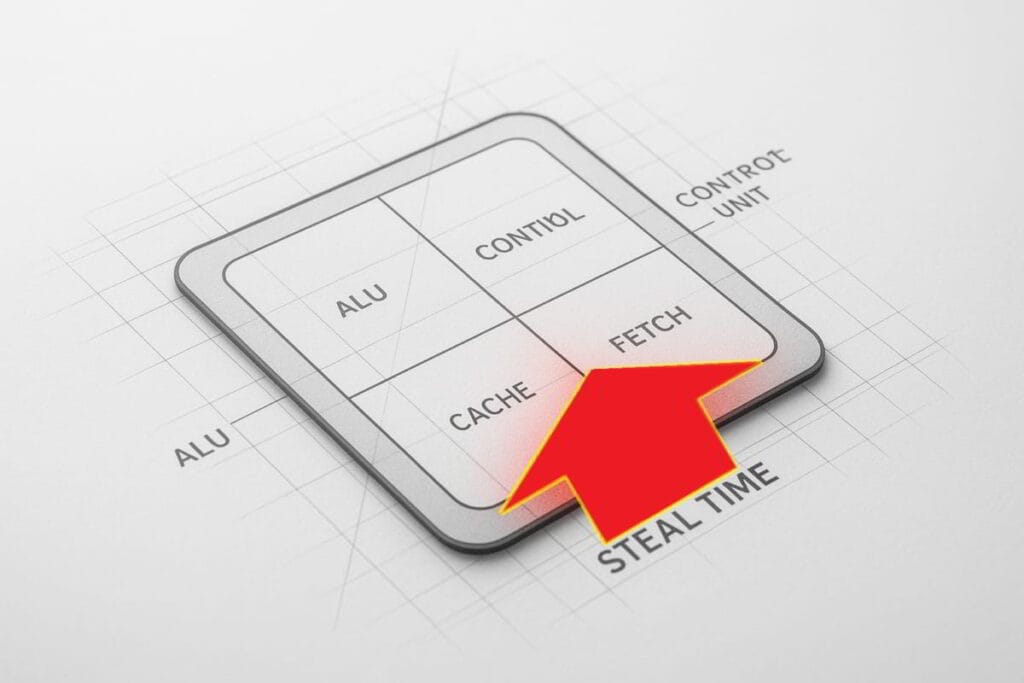
- Single-Threaded Performance: PHP (which powers WordPress) is largely single-threaded. This means the speed of the individual core matters more than the number of cores.
- The Goal: Seek “High-Frequency” or “Performance” tiers. This is why providers like SpeedyPage (utilizing Ryzen 9950X) provide a massive advantage in processing PHP requests compared to generic “cloud” compute.
- %st (CPU Steal Time Percentage): CPU Steal is the primary indicator of “noisy neighbors” in a virtualized environment. It references the percentage amount of CPU power that is lost and consumed by other VMs on your “multi-shared” physical host server. You’ll want confirmed, or dedicated CPU or vCPU.
4. Network Throughput and Latency (RTT)
A fast server is useless if the network path to the user is congested.
- Uplink Speed: A 10Gbps NIC (Network Interface Card) ensures that the server can handle bursts of traffic without queuing packets.
- RTT (Round Trip Time): Every millisecond of latency between the user and the data center adds to the page load time. Always provision your VPS in the region closest to your primary audience.
Summary Table for Decision Making
| Feature | Budget/Shared Tier | Professional Tier | Performance Impact |
|---|---|---|---|
| Virtualization | OpenVZ / LXC | KVM | Stability & Isolation |
| Storage | SATA SSD / HDD | NVMe (Gen 4 or 5) | Database Response Time |
| CPU | Unspecified / Shared | High-Freq (Ryzen/EPYC) | PHP Execution Speed |
| Network | 100Mbps – 1Gbps | 1Gbps – 10Gbps | Concurrent User Handling |
Technical Note: To execute the procurement process based on these specifications, follow the SOP for VPS Selection and Provisioning.
